You can add AI search to WordPress in three ways. All of them show the same search box.
Use the block
- Edit a page or post.
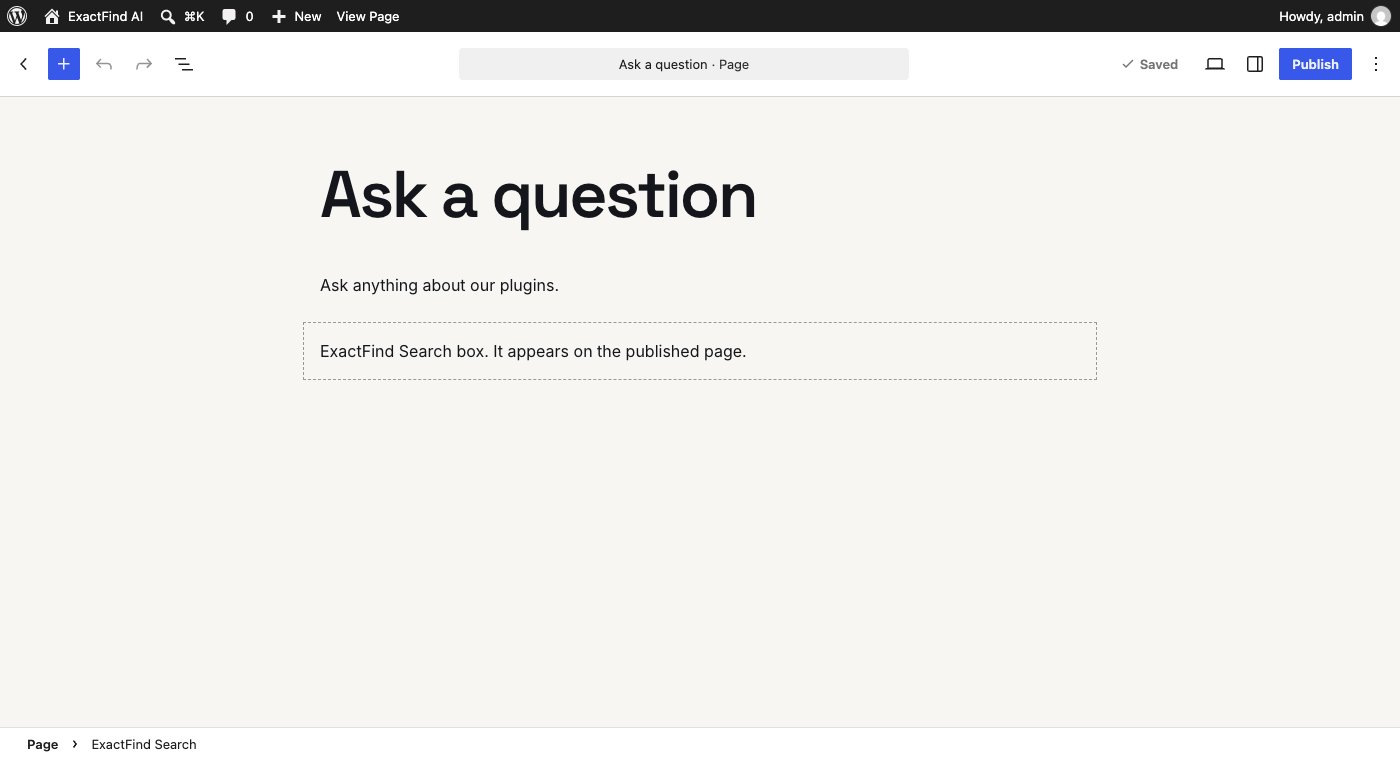
- Add the ExactFind Search block.
- Save the page.
The editor shows a placeholder. The search box appears on the published page.
Use the shortcode
Add this to any page, post or widget that accepts shortcodes:
[exactfind]Add it to a theme template
To put the search box in a template, keep your existing search as a fallback. It shows when the plugin is off, or when a visitor can't use the assistant:
<?php
$exactfind = shortcode_exists( 'exactfind' ) ? do_shortcode( '[exactfind]' ) : '';
if ( $exactfind ) {
	echo $exactfind;
} else {
	get_search_form();
}
?>
Use the floating widget
For a button that shows on every page, see Set Up the Floating Search Widget on Your Site.
Change how it looks
You can change the welcome text, hint text and button text under ExactFind > Settings > Answers. Colours are set with CSS. See Match Your Theme Colours With CSS Variables.