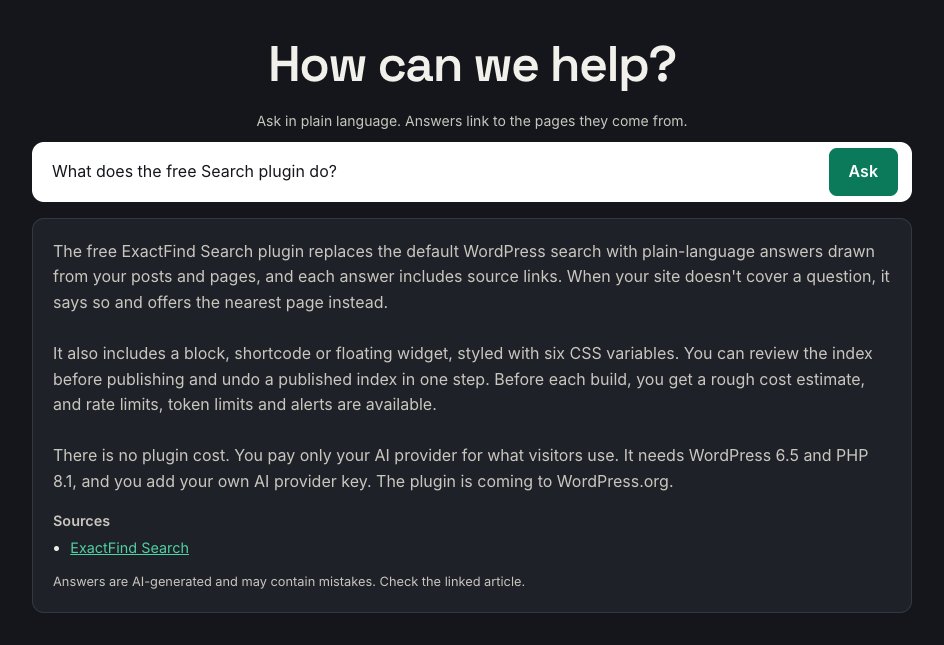
ExactFind adds WordPress AI search to your site. A visitor asks a question in plain language, and ExactFind writes an answer from your own published content, with links to the articles it used.
It doesn't answer from the AI model's general knowledge. If your site doesn't cover something, ExactFind says so.
How an answer is made
- You build an index. An AI model writes a short summary of each post, page or article.
- You review the index and publish it. Nothing reaches visitors until you do.
- A visitor asks a question. The AI model reads the index and picks the articles that fit.
- WordPress loads those articles, and the model answers from their text.
ExactFind Search and ExactFind Knowledge
| ExactFind Search (free) | ExactFind Knowledge (paid) | |
|---|---|---|
| Content | Posts and pages | Adds custom post types, such as a knowledge base, and documents such as PDF and Word files |
| Answers | One question at a time | Ongoing chat with follow-up questions |
| Assistant | Fixed | Name, tone and suggested questions |
| Access | Everyone | Can be limited to logged-in users |
| Question log | No | Yes, with a retention period |
| Hand-off | No | Visitors can send the chat to your team |
| Licence | Not needed | Annual licence key, which also brings updates |
Knowledge needs ExactFind Search to be installed and active. Without an active licence, Knowledge's features switch off after 14 days, and the site goes back to Search's answers from posts and pages. See Activate Your ExactFind Knowledge Licence.
You use your own AI account
ExactFind connects to your own AI provider account with your own API key. You pay your provider directly for what you use, and questions go straight from your site to your provider. Nothing passes through FuzionLabs.
ExactFind has its own limits to help control usage. See Set an AI Search Rate Limit to Stop Abuse and Limit AI Usage in WordPress With a Monthly Token Cap.